Duplicates
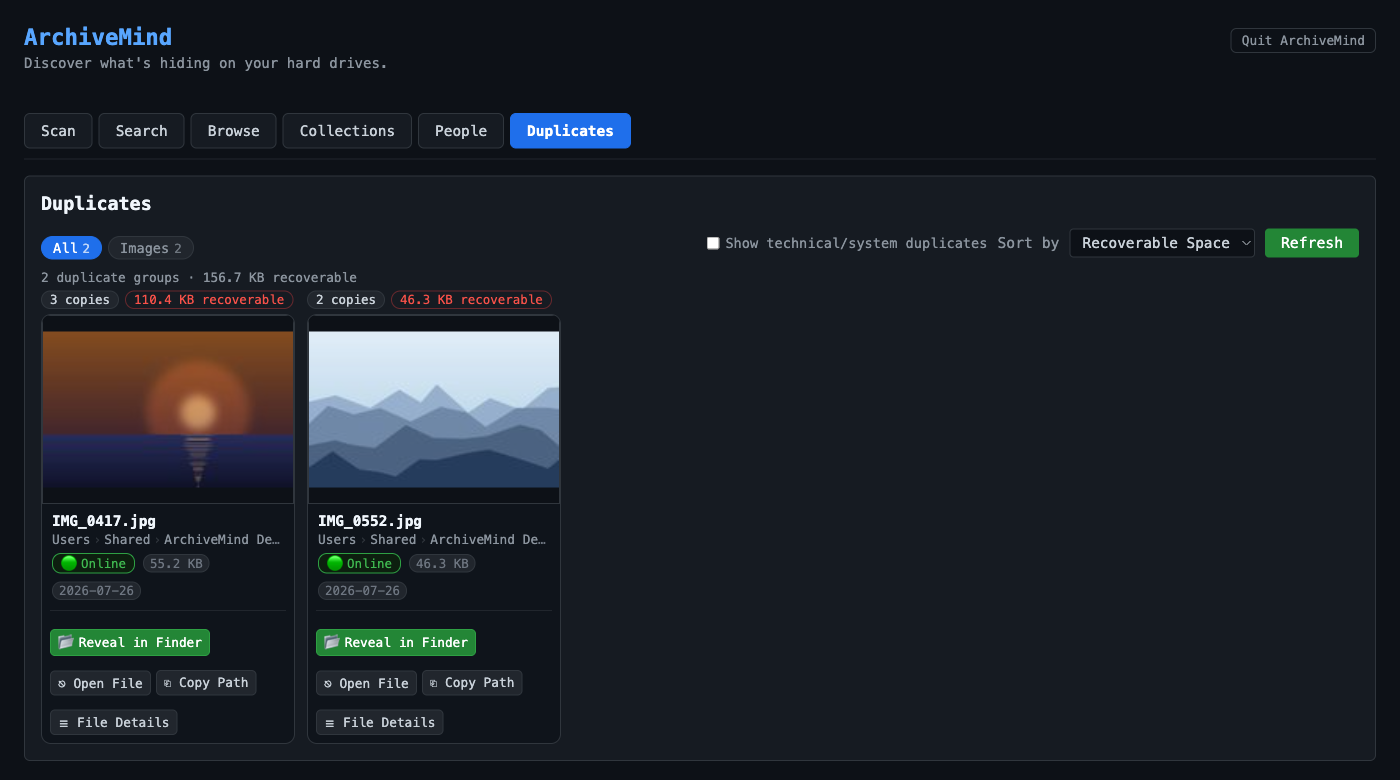
ArchiveMind finds duplicate files by content, not by name: during indexing it computes a fingerprint (hash) of each file's contents, and files with identical fingerprints are grouped as duplicates — even when they have different names, live in different folders, or sit on different drives.
What counts as a duplicate
Two files are duplicates when their contents are byte-for-byte identical. A resized photo, a re-encoded song, or an edited copy is a different file to ArchiveMind — similar is not duplicate.
Working with duplicate groups
- A duplicate group shows every catalogued copy, each with its own path and source drive — including copies on drives that are currently disconnected.
- Each copy is its own catalogue entry: actions such as Reveal in Finder / Show in Explorer act on the specific copy you chose, not on a representative of the group.
ArchiveMind does not delete duplicates for you
ArchiveMind is a catalogue: it shows you where the copies are, and you decide what to do with them in Finder or File Explorer. Before deleting "extra" copies of anything important, remember that copies on a disconnected drive are listed from the catalogue — verify what actually exists where before removing files.