Browse
Browsing lets you explore the catalogue without typing a search query — useful for getting an overview of what a repository contains, or for rediscovering things you did not know you had.
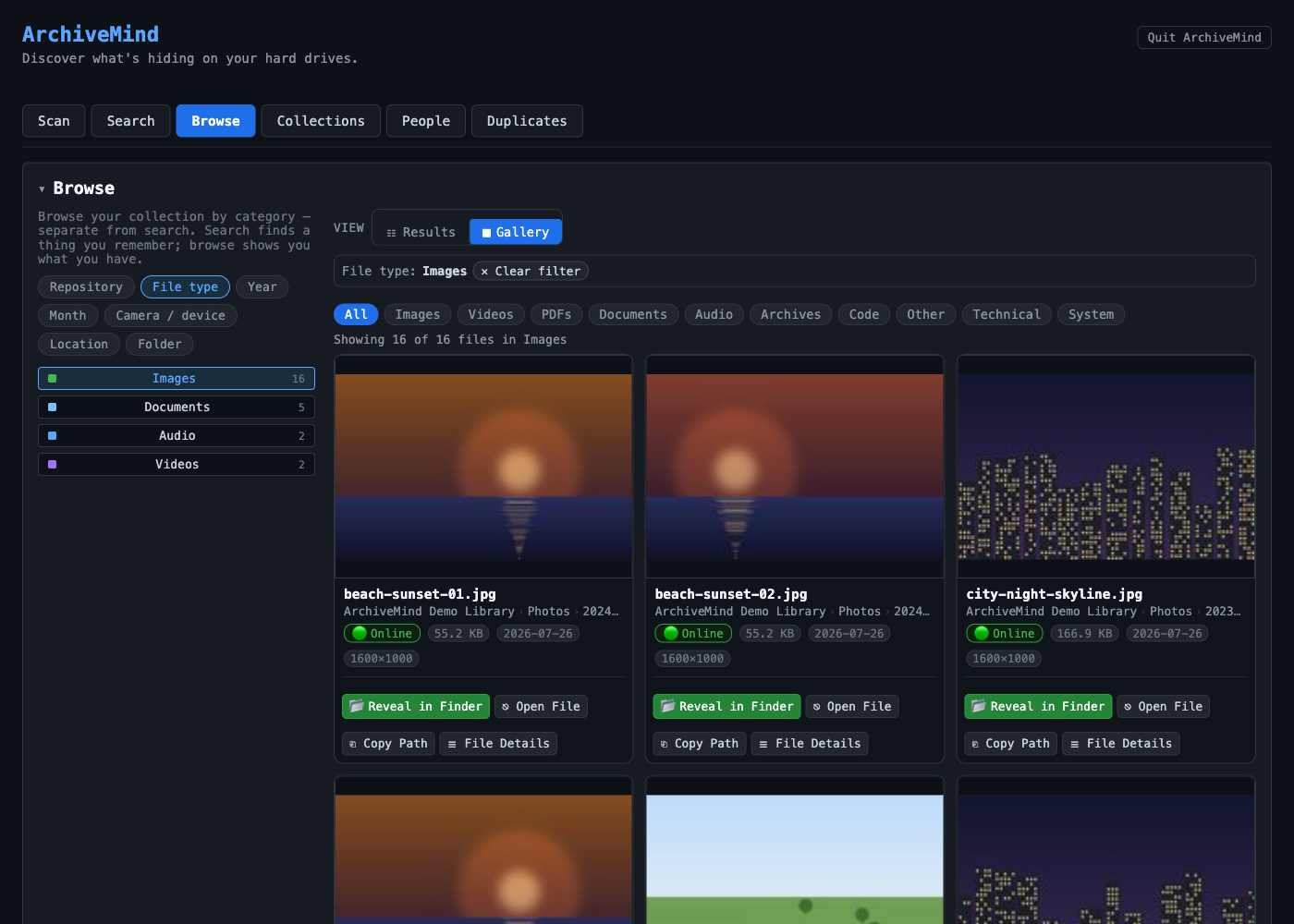
Views
Alongside plain result lists, ArchiveMind offers overview pages:
- Collections — groups of related files, with explanations of the numbers shown (hover the bars for details) and tidy folder names.
- Timeline — your catalogue organised by date.
- People — photos grouped by detected faces, where that enrichment has run.
The exact set of views can differ between releases; anything your build does not include simply is not shown.
Filters
Results can be narrowed by media type (for example images), and previews are available at several sizes, including a larger quick-preview. Filters are honest: an empty filtered view means the catalogue really has nothing matching, not that something failed silently.
From browsing to the real file
Every item leads to its details view, and from there to Reveal in Finder (macOS) or Show in Explorer (Windows) when the file's drive is connected.